

Mobile App UI/UX Design

We design iOS and Android apps from research to developer handoff: user flows, prototypes tested with real people, Arabic and English interfaces, and a design system that grows with the product.

See the work
Platforms
iOS and Android, designed for React Native
Languages
Arabic RTL and English interfaces
Built for
Founders, product teams and companies adding apps
You get
Flows, tested prototype, design system and handoff
In short

Mobile app UI/UX design includes everything that decides how an app works before code is written: user research, user flows for each core task, wireframes, a clickable prototype tested with real users on a phone, visual design for iOS and Android in Arabic and English, and a design system with every component state for developers.

  • Research into users and the tasks they need to finish

  • Flows covering errors, empty states, failed payments and lost connection

  • Clickable prototypes tested with real users before development

  • Arabic RTL interfaces designed alongside English from the start

  • Design system and handoff with states, motion and gesture specs

Overview

Mobile app UI/UX design is the work that decides whether an app makes sense before anyone writes code. It covers who the app is for, which tasks it must make easy, how screens connect, and how every state looks on a small screen held in one hand. Getting it right in design is far cheaper than fixing it after a release.

01

We design apps for founders preparing a first version, for companies adding an app to an existing website or platform, and for teams whose live app has grown confusing and needs a redesign. Some clients have their own developers and need design only. Others want design and build from the same team.

The common need is clarity. Someone has to decide what the app does first, what waits for later, and what the user sees when something goes wrong.

02

The polished screens are the last part. Underneath them sit the decisions that shape both cost and usability:

  • Research into who the users are and what they are trying to get done

  • User flows for each core task, including errors, empty states and edge cases

  • Wireframes that settle navigation and screen hierarchy

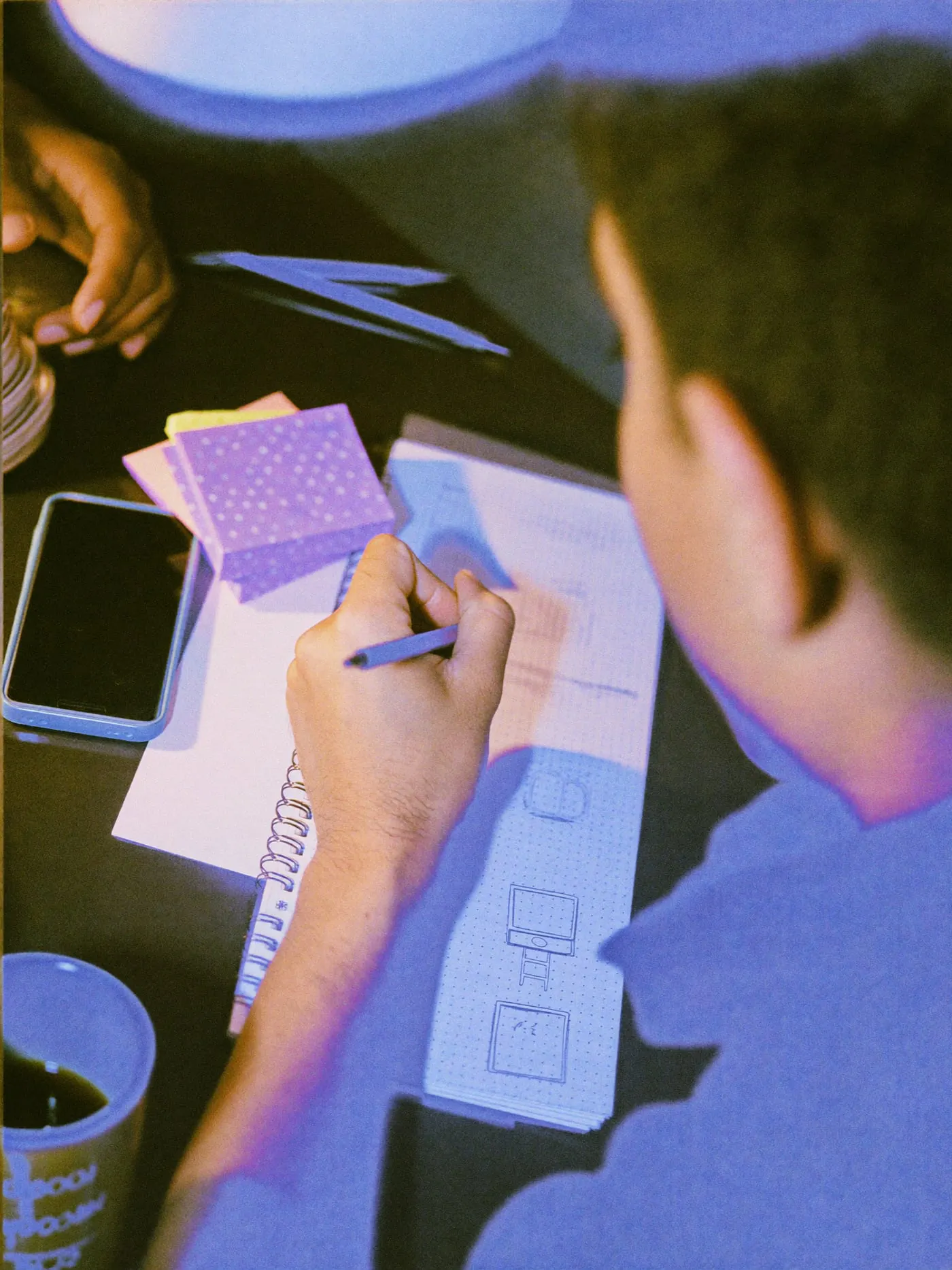
  • Interactive prototypes for testing with real users on a real phone

  • Visual design that respects iOS and Android conventions

  • A design system for apps: components, tokens and states your developers reuse

Skipping flows is the most common mistake we see. Teams jump to polished screens, then discover in development that sign-up, payment failures or offline states were never designed, and those gaps get filled in a hurry by whoever is writing the code.

03

Many apps built for Egypt, Saudi Arabia and the Gulf need Arabic as a full language, not a translated layer. In right-to-left interfaces, navigation, icons that imply direction, swipe gestures, progress indicators and mixed Arabic and English text all need deliberate decisions. A back arrow or a carousel cannot simply be flipped without thought.

We design both directions together from the start, so the Arabic app is tested as its own product and not reviewed at the end as a mirror of the English one.

04

We test early. A clickable prototype in front of a handful of real users shows problems that internal reviews miss, and it does so before development budgets are spent. App prototyping is where we change our minds most, and that is the point of doing it.

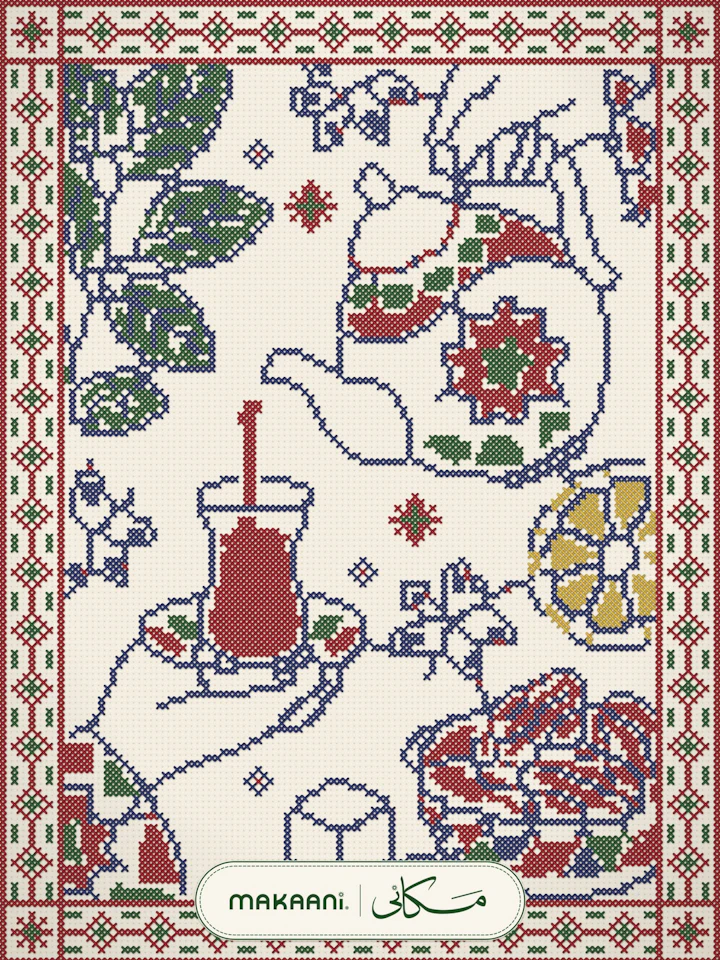
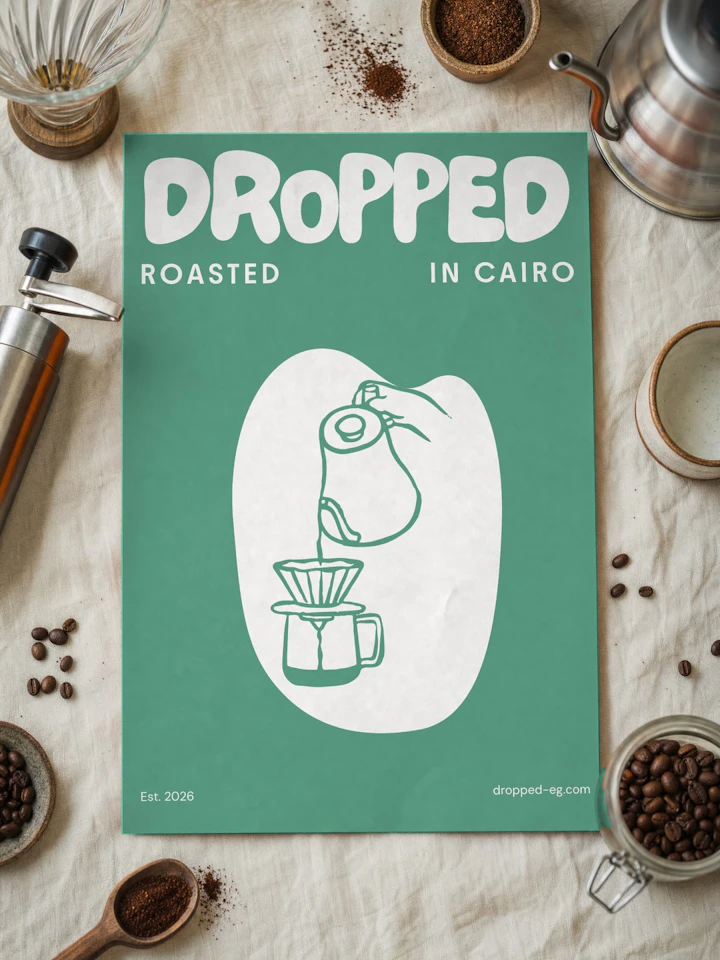
We also design with the build in mind. Our team builds mobile apps in React Native along with the APIs behind them, so the design system maps to real components and the handoff includes states, spacing rules and behavior, not just pictures of screens. Product work like the Makaani membership network and the Dropped storefront and admin app shaped how we carry decisions from design into code.

Research, flows, prototypes and a design system, in the order that keeps rework out of development.

We talk to you and, where possible, to the people who will use the app. We map their main tasks and decide what the first version must do and what can wait. The output is a short list of core flows and the questions the prototype has to answer before anything is built.

  • User interviews

  • Reviews of competing apps

  • First version feature priorities

  • Success criteria for each flow

  • User flows and journey maps

  • Low-fidelity wireframes

  • Clickable phone prototypes

  • Usability testing sessions

  • iOS and Android patterns

  • Arabic RTL interfaces

  • Onboarding and empty states

  • Accessibility checks for contrast, tap targets and text size

  • Design system for apps

  • Component states and variants

  • Motion and gesture specs

  • Developer handoff and build review

Who designs your app shapes how research, testing and handoff happen. The right choice depends on the product's stage and how often it ships.

Freelancer, in-house team or studio?
Freelance designerIn-house teamDesign and build studio
Best stageSmall, well-defined scopeOngoing product with steady releasesFirst version or major redesign
Research and testingDepends on the individualContinuous and close to usersPlanned into each phase
Design to codeHanded to separate developersSame company, daily contactSame team designs and builds
Arabic and RTLVaries by personDepends on who you hireDesigned with English from the start
Getting startedQuick to startRecruiting takes time and managementOne contract, team already in place
Product knowledgeLeaves when the contract endsStays and deepens in the companyKept in the design system and files
Range of skillsOne person's skill setGrows as you hireResearch, design and engineering together

A freelancer suits a contained task. An in-house team suits a product that ships constantly. A studio suits a first version or a redesign, then hands the system to your team.

It depends on the number of core flows, how many user roles the app has, whether it needs Arabic and English, and how much research and testing you want. A single-role app with a few flows is a different job from a marketplace with customers, vendors and an admin side. We scope from a flow list and send a proposal before work starts.

It depends on the number of flows, how quickly decisions get made, and how many rounds of testing you want. Research and flows often take longer than teams expect, and they are what keep development from stalling later. We set the schedule with you once the core flows are agreed, so the plan reflects the real scope.

We design one product with platform-aware details. Core flows and the design system are shared, while navigation patterns, system controls and some gestures follow each platform's conventions. If the app is built in React Native, this keeps one codebase while the app still feels at home on each phone.

Yes. We design Arabic and English interfaces together, with right-to-left navigation, direction-aware icons and gestures, Arabic typography sized for small screens, and layouts that handle mixed Arabic and English text. The Arabic version is tested as its own product, not checked at the end as a flipped copy.

Yes. At handoff you receive the design files, the prototype, the design system and all assets. Your developers, or any team you hire later, can keep extending the app from the same components without having to rebuild the design foundations or come back to us for missing pieces.

We can. Our team builds mobile apps in React Native, along with the APIs and admin tools behind them. Many clients hire us for design only and use their own developers, and our handoff is prepared for exactly that case, with states, specs and assets ready to implement.

Send us your feature list or current app. We will map the core flows with you and propose where the design work should start.

Keep exploring
  1. UI/UX & Product Design

    (Service)

    Research & Strategy

    Websites & Landing Pages

    Products & Apps

    Design Systems & Handoff

    User interviews

    UX audits & heuristics

    Analytics review

    Personas & journeys

    Information architecture

    UI/UX & Product Design — Cairo Studio
  2. Website Design

    (UI/UX & Product Design)

    Structure and content

    Visual design

    Bilingual and RTL

    Motion and handoff

    Sitemap and page hierarchy

    Content audit for redesigns

    Messaging and page copy direction

    Wireframes with real content

  3. Bilingual Brand Identity

    (Branding & Identity)

    Bilingual typography

    Visual system

    Templates

    Guidelines and handover

    Arabic and Latin typeface pairing

    Type scales for both scripts

    Mixed language line rules

    Font licensing checks

  4. Next.js & SvelteKit Development

    (Web Development)

    Frameworks

    Headless CMS

    Bilingual and SEO

    Hosting and handover

    Next.js with React and TypeScript

    SvelteKit with TypeScript

    Server rendering and static generation

    API routes and form handling

    Tailwind CSS component systems

  5. Mobile App Development

    (Apps & Platforms)

    App build

    Backend and APIs

    Payments and engagement

    Launch and care

    React Native for iOS and Android

    TypeScript codebase

    Offline states and caching

    Camera, location and media

    Deep links

  6. E-commerce Website Development

    (E-Commerce)

    Platforms and architecture

    Catalog and checkout UX

    Payments and delivery

    Admin and inventory

    WooCommerce development

    Salla and Zid stores

    Headless commerce with Next.js or SvelteKit

    Custom commerce APIs

    Platform migration

  7. Workflow Automation

    (AI & Automation)

    Lead and CRM automation

    Document data extraction

    Syncing and reporting

    Platforms

    Lead capture from forms, ads and WhatsApp

    Routing and assignment rules

    CRM updates and deduplication

    Follow up reminders and tasks

  8. Product Photography

    (Content & Production)

    Shot types

    Retouching

    Web delivery

    Campaign assets

    Packshots on white or a solid colour

    Flat lays

    Lifestyle product photos

    Detail and texture close-ups

    Scale and in-hand shots

  9. SEO Services

    (Digital Marketing)

    Technical SEO

    Keyword research

    Content and local

    Reporting

    Core Web Vitals and speed fixes

    Crawl and indexing audits

    Structured data (schema.org)

    Canonicals, redirects and sitemaps

    hreflang and RTL markup