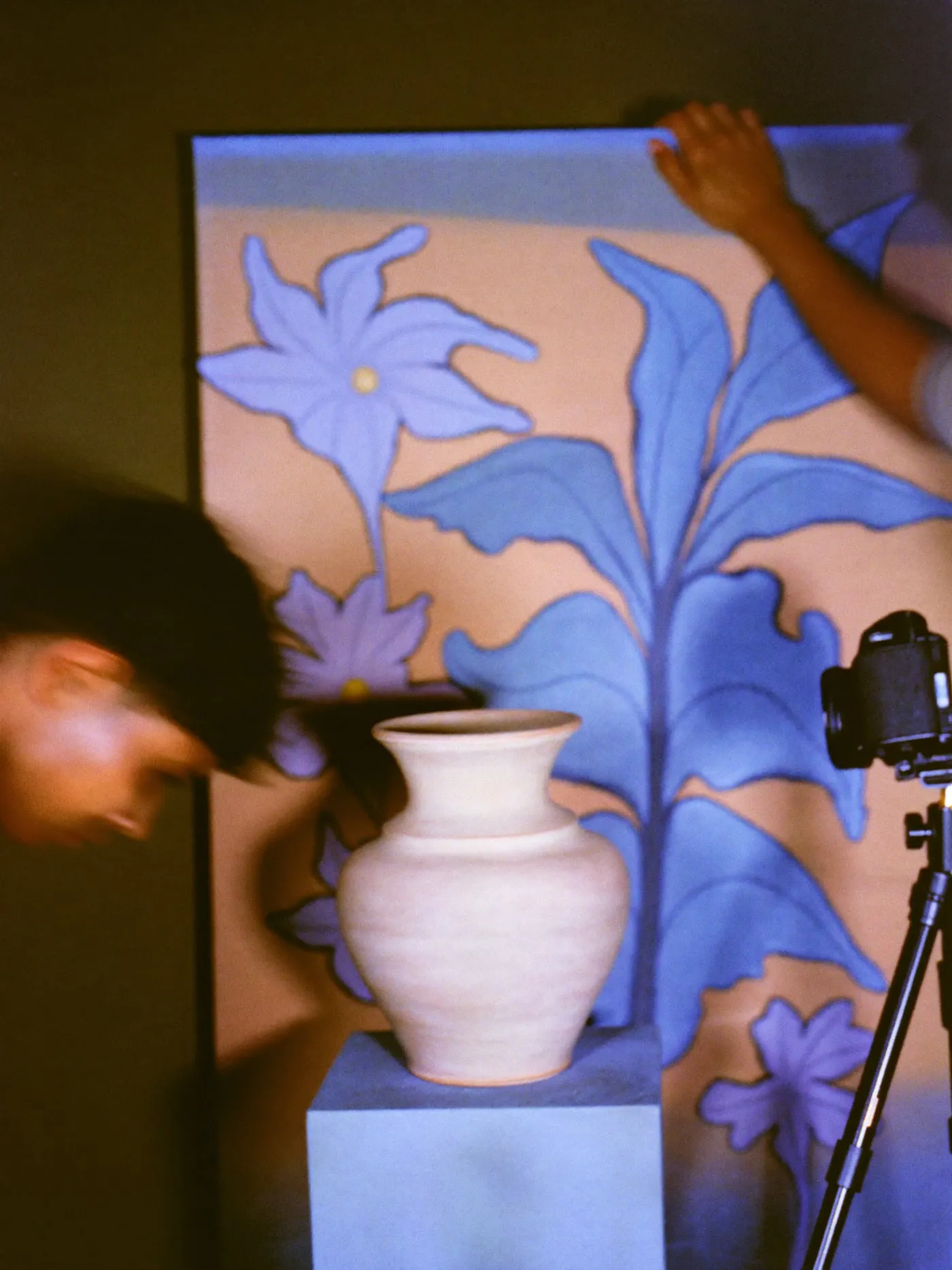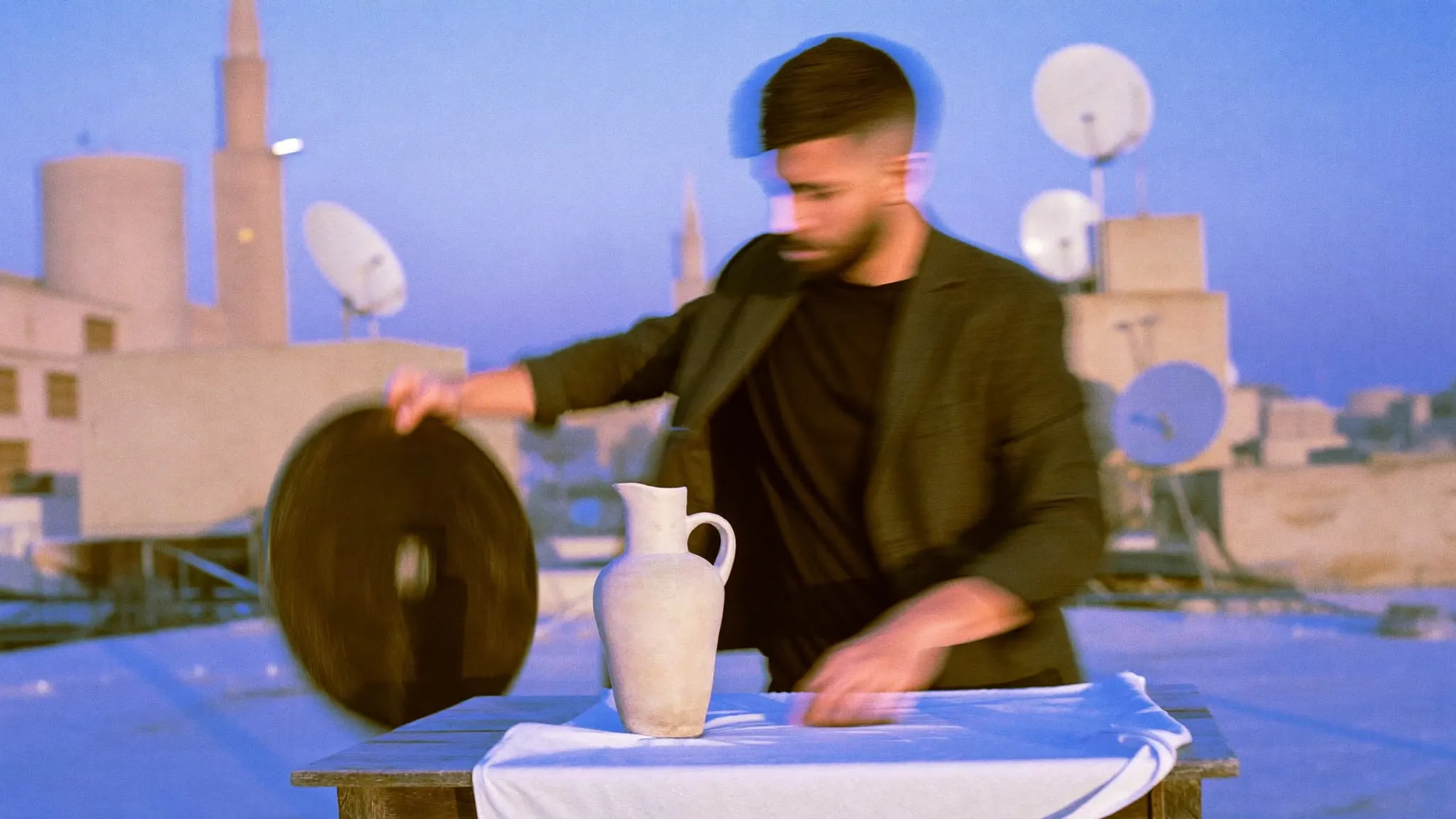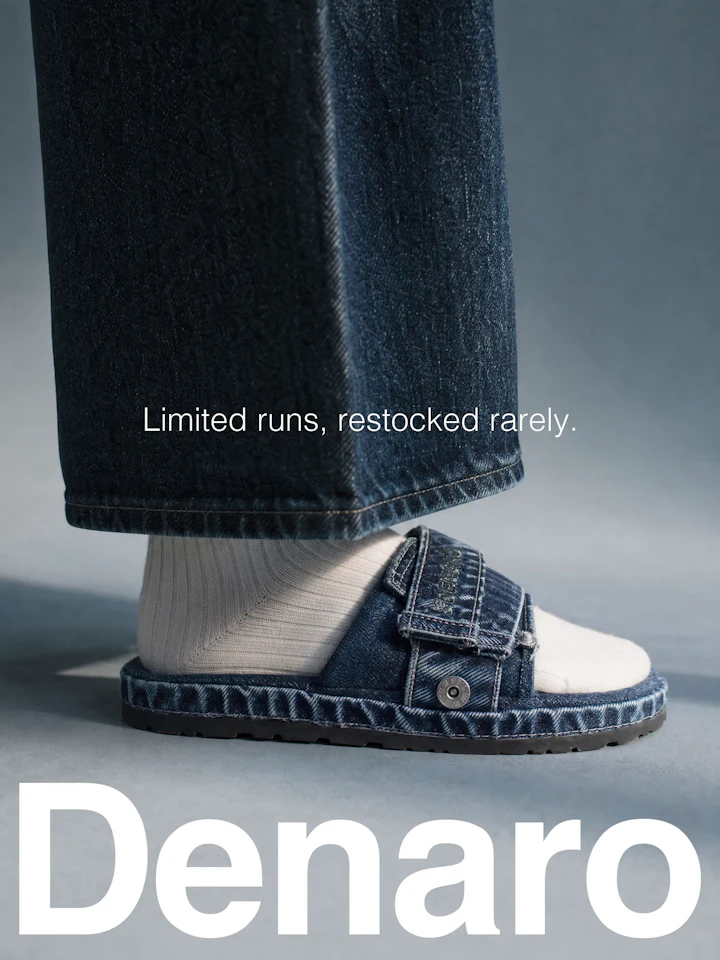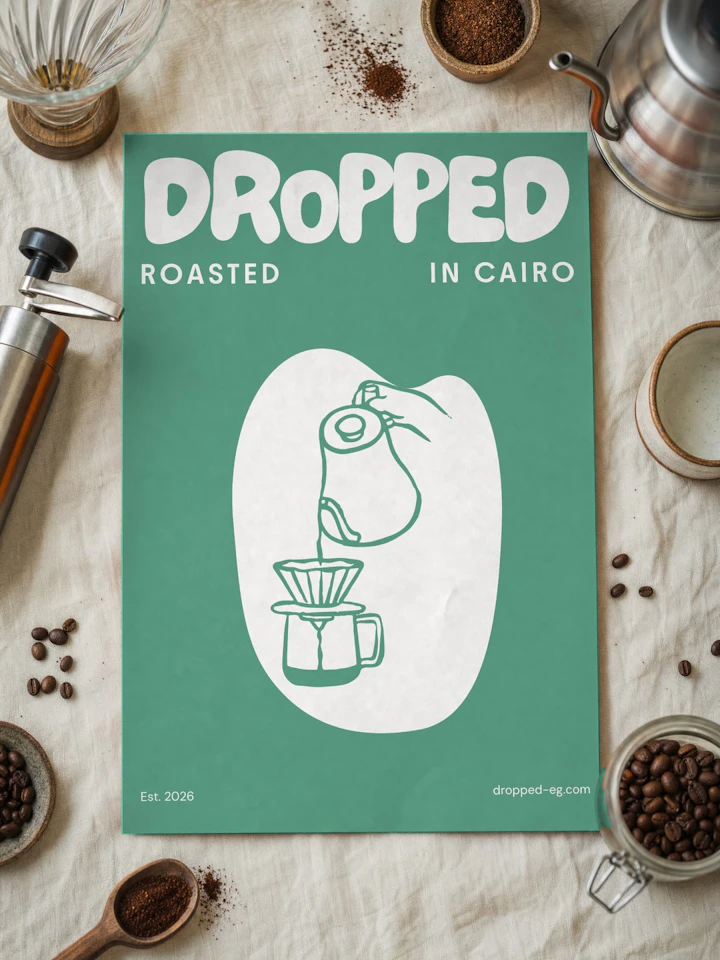

Product Photography in Cairo

Packshots, lifestyle shots and flat lays for online stores, ads and social, lit and retouched to one standard so every product in your catalog looks like it belongs.

See the work
Shot types
Packshots, flat lays and lifestyle photos
Platforms
Shopify, Salla, Zid and WooCommerce
Retouching
Colour checked against the real product
You get
Web-ready exports named by SKU
In short

Product photography in Cairo for online stores covers planned shoots of packshots, flat lays and lifestyle images, lit and retouched to one standard. The work includes a shot list per product, a style test, product prep, colour checks against the real item, and web exports named by SKU, ready for Shopify, Salla, Zid or WooCommerce.

  • A shot list per product before the shoot day

  • A style test on real products before the full shoot

  • Colour checked against the physical product during retouching

  • AI used for backgrounds, never for the product itself

  • WebP and compressed JPEG exports named by SKU

Overview

Product photography in Cairo is usually booked one shoot at a time, and that is where most catalogs start to drift. We shoot products for online stores, ads and social channels as a system: one lighting setup, one framing rule and one retouching standard that hold across every product you sell, this season and the next.

01

The work fits brands whose images do the selling because the buyer cannot touch the product. In practice that means:

  • Stores on Shopify, WooCommerce, Salla or Zid that need clean, matching product images across the full catalog.

  • Labels launching a collection that need packshots for the store and lifestyle product photos for launch ads.

  • Distributors carrying several brands who want one visual language instead of mixed supplier photos.

  • Brands selling across Egypt and the Gulf that need the same product shown in Arabic and English campaigns.
02

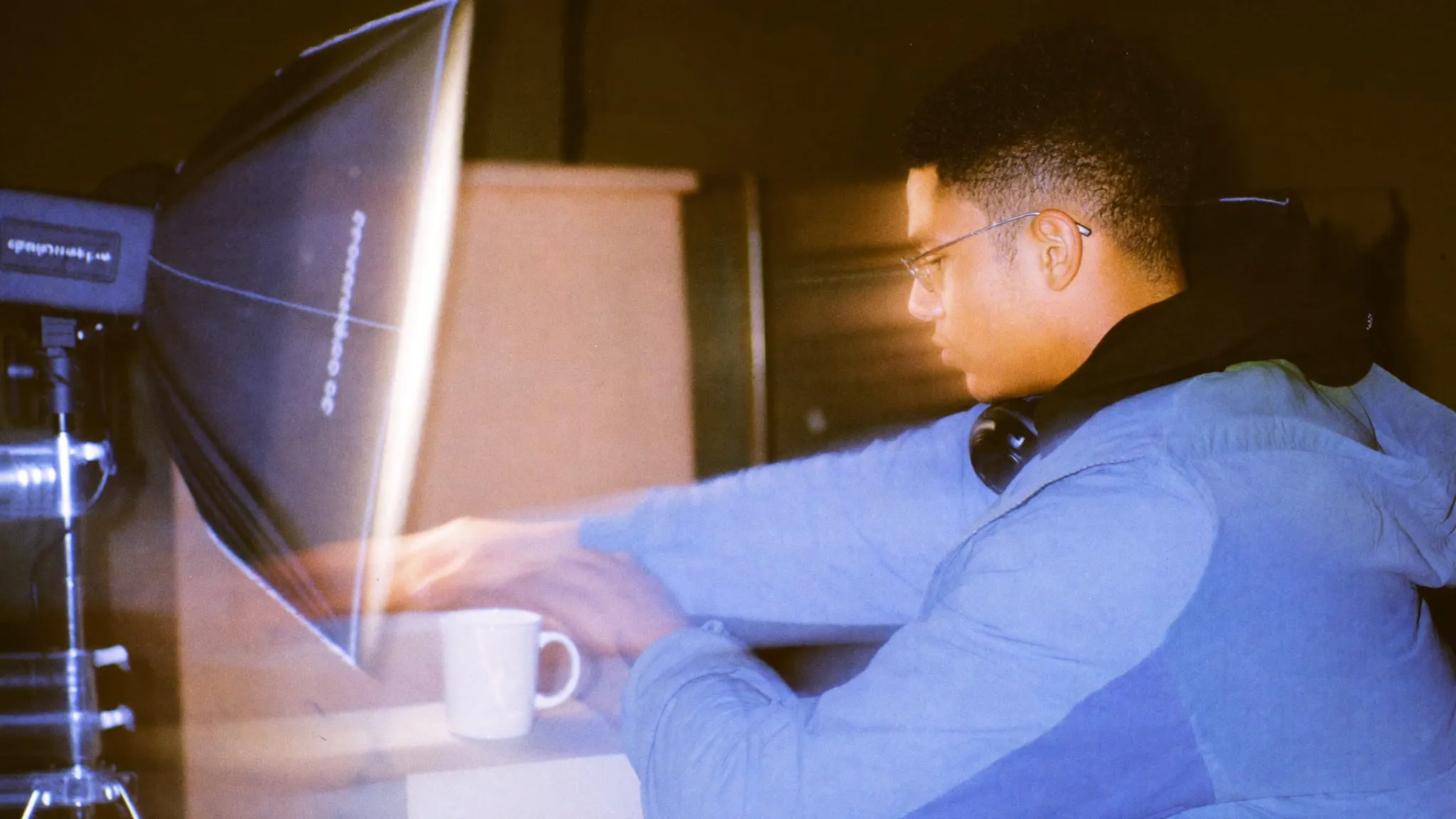
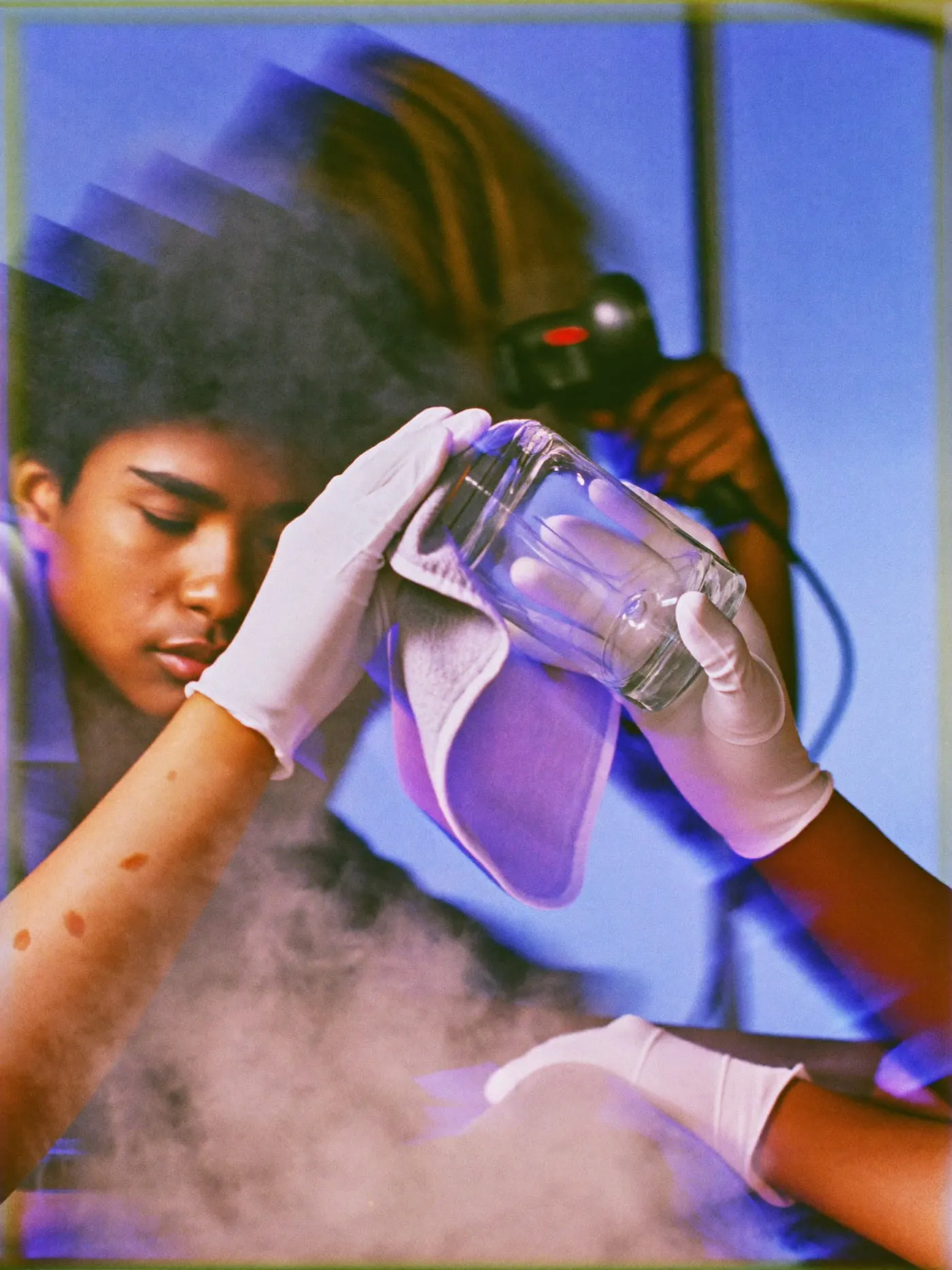
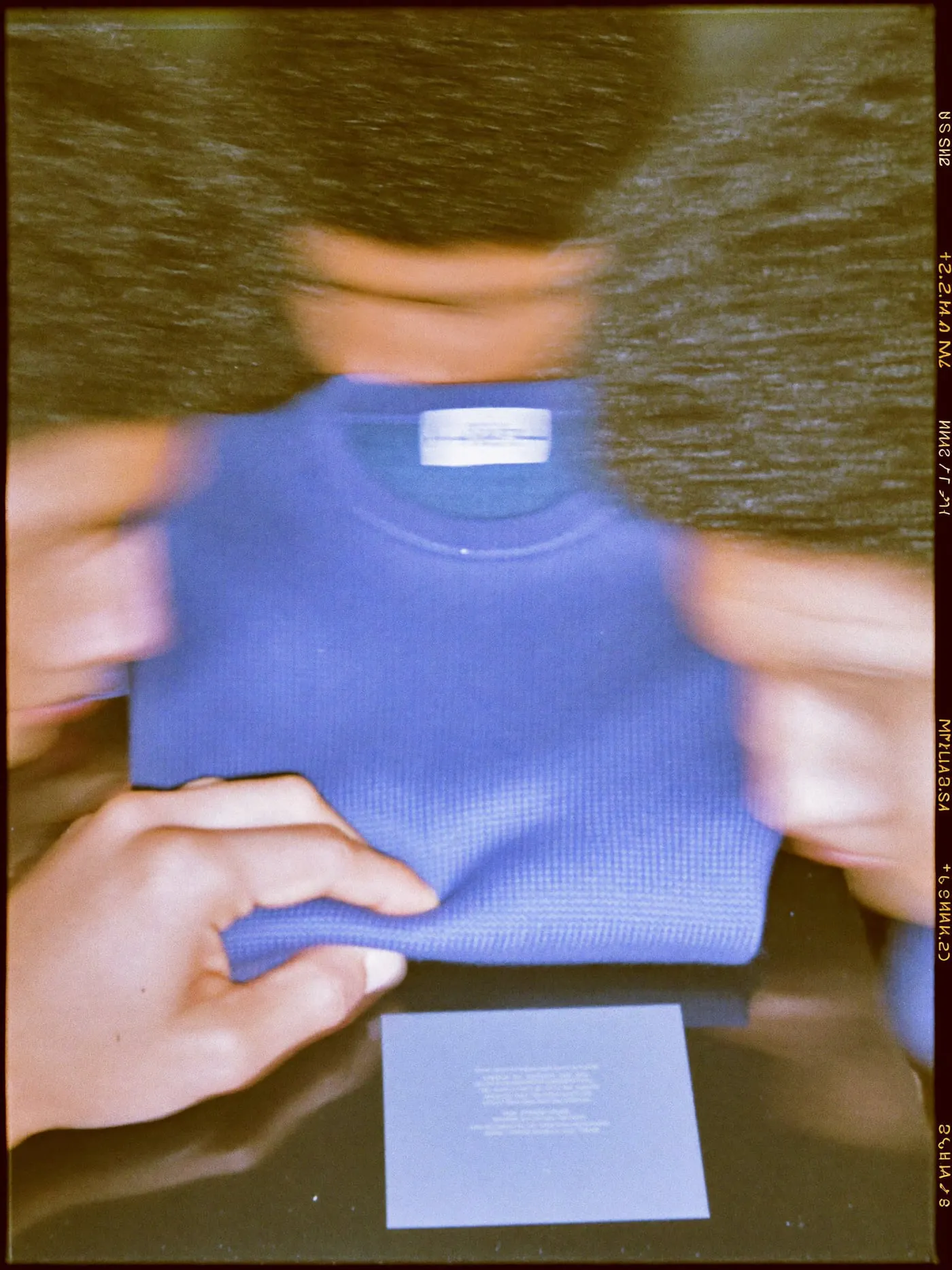
Most of a shoot happens before the camera comes out. We agree a shot list per product: which angles, which details and which crops each placement needs, from the product page and collection grid to Instagram posts and ad formats. Then the products get prepared. Fabric is steamed, glass and metal are cleaned, stray stickers come off. A dent or a fingerprint costs seconds on set and much longer in retouching.

On set we lock the light, the camera height and the distance for each product type, so a mug shot today matches a mug shot in six months. Packshots, flat lays, detail close-ups and lifestyle scenes are planned as separate setups, not improvised between takes.

03

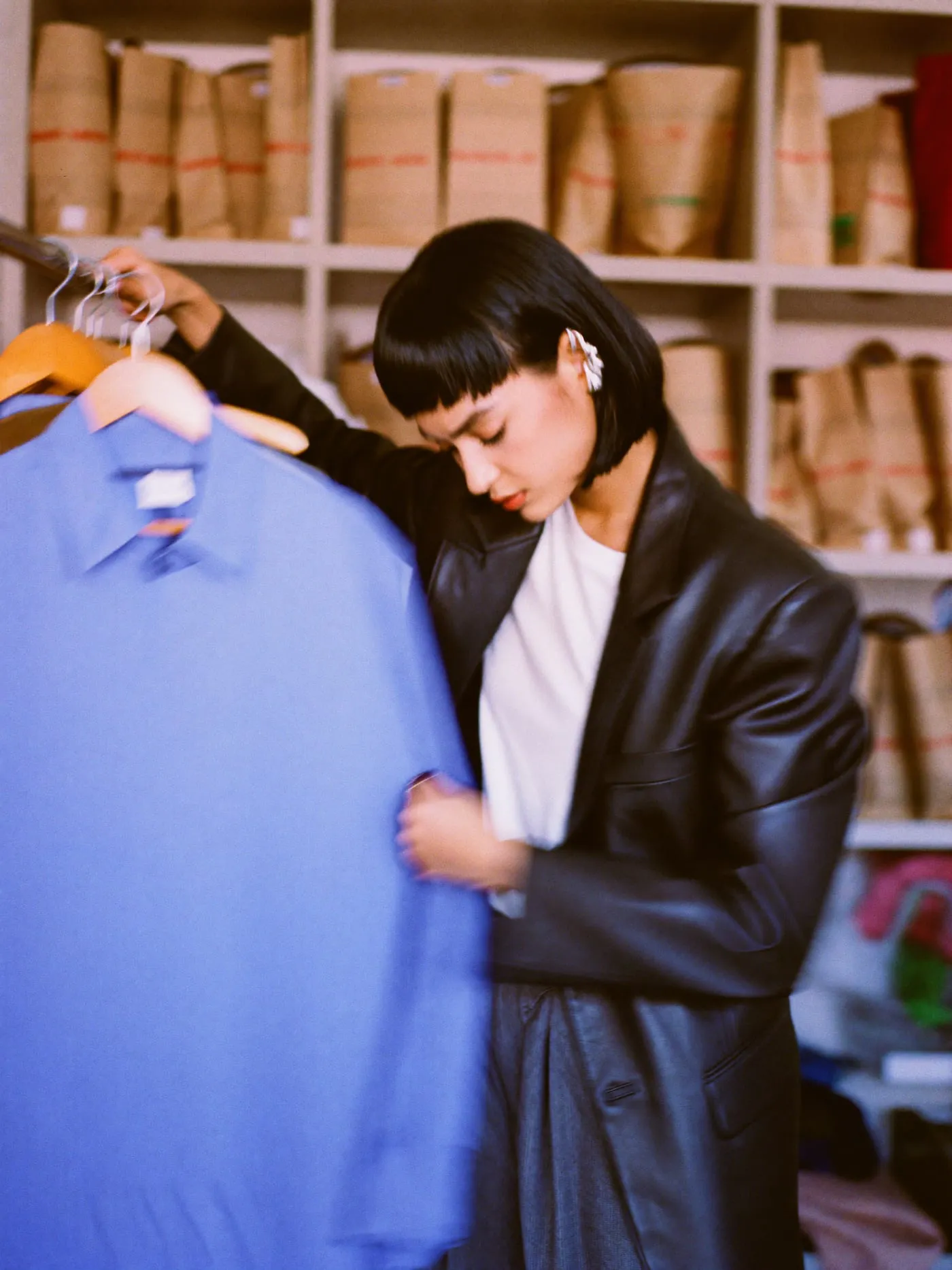
Consistency comes first. A grid where every product sits at the same size, on the same background, under the same light reads as a serious store. Colour accuracy comes next: if the navy on screen turns out black in the box, the photo has created a return. We check colour against the physical product during retouching, not after delivery.

Then file weight. Large images slow product pages, especially on mobile data. We export each image at the sizes its placement needs, in modern formats like WebP alongside compressed JPEG, and name files by SKU so they upload cleanly as Shopify product images or into any other platform.

04

We use AI-assisted backgrounds where they save a location day, and we are clear about where the line sits. The product itself is always photographed for real. AI may extend a backdrop, build a setting around the product or clean up a surface. It never changes the product's shape, colour, material or label, because the buyer is paying for what they see.

Because we also design brands and build stores, we shoot with the layout in mind: room for Arabic and English headlines in ad crops, safe areas for right-to-left layouts, and a style that matches the rest of your visual identity. When a lifestyle scene includes people, we cast people who look like your actual customers in Egypt or the Gulf.

Every shoot covers the shot types your store needs, the retouching that keeps them accurate and the exports that keep pages fast.

We go through your products, your current images and the places they will appear: product pages, collection grids, social posts and ads. From that we write a shot list per product, with angles, details and crops, and group products that share a setup so the shoot day runs in a sensible order instead of constantly rebuilding the set.

  • Packshots on white or a solid colour

  • Flat lays

  • Lifestyle product photos

  • Detail and texture close-ups

  • Scale and in-hand shots

  • Colour checked against the real product

  • Dust, scratch and label cleanup

  • Consistent shadows and reflections

  • Colour variants from one master shot

  • AI-assisted background extensions

  • Crops per placement

  • WebP and compressed JPEG exports

  • File names by SKU

  • Uploads to Shopify, Salla or Zid

  • Meta and Google ad crops

  • Instagram carousels and stories

  • Arabic and English text layouts

Each kind of product image does a different job. The right mix depends on where the images will appear and how much of the catalog needs them.

Packshots, lifestyle or AI-assisted scenes?
Studio packshotsLifestyle shootAI-assisted backgrounds
Best forProduct pages and collection gridsAds, social and launch campaignsSettings without a location day
What is photographedProduct on a clean backgroundProduct, scene and peopleProduct only, setting built after
Catalog consistencyEasiest to keep matchingVaries more from scene to sceneConsistent with a fixed scene style
Shows scale and useLimited, helped by in-hand shotsClearly, with real people and placesPartly, through the built setting
PreparationProduct prep and fixed setupsStyling, props, locations and castingReal shoot, then scene work
Adding new products laterSimple with recorded setupsNeeds the scene rebuiltSimple with saved scene settings
Watch out forCan feel plain in adsMore planning and styling timeMust never alter the product

Packshots carry product pages for almost every store. Lifestyle shoots fit launches and ads where mood and scale sell. AI-assisted backgrounds fit when you need a setting without a location day.

It depends on the number of products, the shot types per product and the retouching level. Packshots on a fixed background are the most efficient per image. Lifestyle scenes add styling, props, locations and sometimes models. Products with reflective surfaces, like glass, metal or packaging with foil, take longer to light and retouch. We quote after seeing the product list and the placements the images will serve.

The shoot day is usually the shortest part. Time goes into the shot list, the style test, product prep and retouching. The main factors are how many products you have, how many setups they need and how quickly products reach us. A catalog of similar items in one setup moves faster than a mixed range that needs several backgrounds and lifestyle scenes.

Most stores need both, for different jobs. Packshots on a clean background do the work on product pages and collection grids, where buyers compare items side by side. Lifestyle shots show scale, use and mood, and they carry ads and social posts. If budget is tight, we usually start with consistent packshots for the whole catalog and add lifestyle images for key products.

Yes, for backgrounds and settings, never for the product itself. We photograph every product for real, then may use AI to extend a backdrop, place the product in a scene or clean up a surface. We do not let AI change shape, colour, texture or labels, because a photo that misrepresents the product leads to returns and lost trust.

Yes. We agree one aspect ratio for your product pages so the grid stays even, then export at the sizes each placement needs, in WebP and compressed JPEG. Files are named by SKU. We can upload them straight into Shopify product images, Salla, Zid or WooCommerce, or hand over organised folders for your team.

That is the point of recording each setup. We keep notes on light positions, camera height, distance and retouching settings, so a product shot months later sits next to the original catalog without looking out of place. If your current photos were shot elsewhere, we can study them and match them, or propose a new standard and reshoot the key items.

Send us your product list and where the images will appear, and we will propose a shot list and a style test.

Keep exploring
  1. Content & Production

    (Service)

    Photography

    Video & Reels

    Motion & 3D

    Planning & Copy

    Product & e-commerce photography

    Brand & lifestyle shoots

    Food & hospitality

    Architecture & interiors

    Team & founder portraits

    Content & Production — Cairo Studio
  2. Video Production

    (Content & Production)

    Video types

    Pre-production

    Post-production

    Ongoing content

    Brand films

    Product videos

    Social media reels for Instagram and TikTok

    Ad cutdowns and hooks

    Behind-the-scenes and founder pieces

  3. Bilingual Brand Identity

    (Branding & Identity)

    Bilingual typography

    Visual system

    Templates

    Guidelines and handover

    Arabic and Latin typeface pairing

    Type scales for both scripts

    Mixed language line rules

    Font licensing checks

  4. Mobile App Design

    (UI/UX & Product Design)

    Research and scope

    Flows and prototypes

    Interface design

    Systems and handoff

    User interviews

    Reviews of competing apps

    First version feature priorities

    Success criteria for each flow

  5. Next.js & SvelteKit Development

    (Web Development)

    Frameworks

    Headless CMS

    Bilingual and SEO

    Hosting and handover

    Next.js with React and TypeScript

    SvelteKit with TypeScript

    Server rendering and static generation

    API routes and form handling

    Tailwind CSS component systems

  6. Mobile App Development

    (Apps & Platforms)

    App build

    Backend and APIs

    Payments and engagement

    Launch and care

    React Native for iOS and Android

    TypeScript codebase

    Offline states and caching

    Camera, location and media

    Deep links

  7. E-commerce Website Development

    (E-Commerce)

    Platforms and architecture

    Catalog and checkout UX

    Payments and delivery

    Admin and inventory

    WooCommerce development

    Salla and Zid stores

    Headless commerce with Next.js or SvelteKit

    Custom commerce APIs

    Platform migration

  8. Workflow Automation

    (AI & Automation)

    Lead and CRM automation

    Document data extraction

    Syncing and reporting

    Platforms

    Lead capture from forms, ads and WhatsApp

    Routing and assignment rules

    CRM updates and deduplication

    Follow up reminders and tasks

  9. SEO Services

    (Digital Marketing)

    Technical SEO

    Keyword research

    Content and local

    Reporting

    Core Web Vitals and speed fixes

    Crawl and indexing audits

    Structured data (schema.org)

    Canonicals, redirects and sitemaps

    hreflang and RTL markup